Durable Fanless Aluminium Enclosure For Efficient Cooling And Reliable SBC Performance
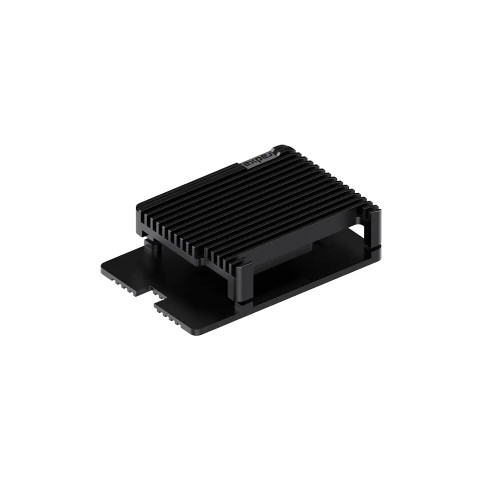
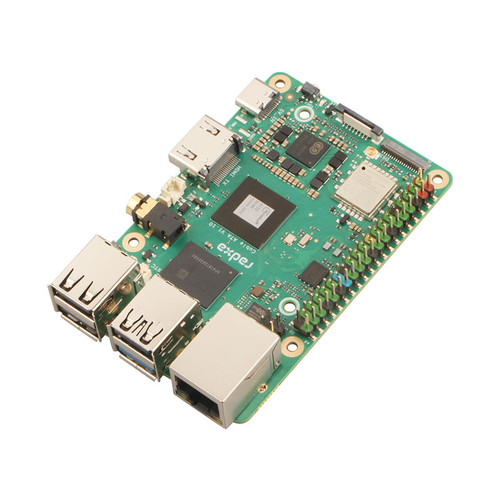
The Armor Case 7056A is a high efficiency protective enclosure designed for Radxa single board computers and similar mini motherboards. Built using magnesium silicon aluminium, it provides excellent structural strength along with superior heat dissipation. The fanless passive cooling design ensures silent operation, making it ideal for noise sensitive environments and long duration usage.
Fanless Passive Cooling Silent & Reliable

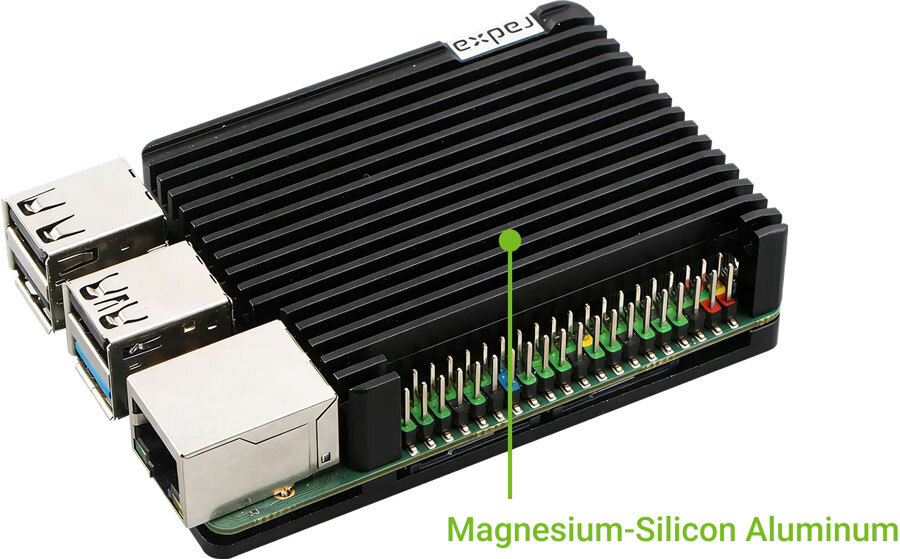
This SBC case is suitable for developers, makers, educational setups, and industrial deployments where reliability and thermal performance are critical. Its precision engineered 3D fin structure enhances airflow and heat transfer, enabling stable 24 by 7 operation. The compact and easy to install design allows quick setup, making it a practical choice for both beginners and professionals.
Key Features
- Fanless Cooling Design Passive cooling eliminates noise and improves reliability
- High Thermal Efficiency 3D fin structure ensures fast heat dissipation
- Durable Material Magnesium silicon aluminium construction for strength and heat management
- Wide Compatibility Supports multiple Radxa SBC models and mini motherboards
- Compact Form Factor Space saving design suitable for embedded applications
- Quick Installation Tool friendly assembly completed within seconds
- Industrial Ready Suitable for continuous operation in demanding environments
Packing List
- 1x Metal top cover
- 1x Metal bottom cover
- 2x Thermal pads
- 4x Screws (CM2.5 x 8 x 4 mm)
Easy to Install
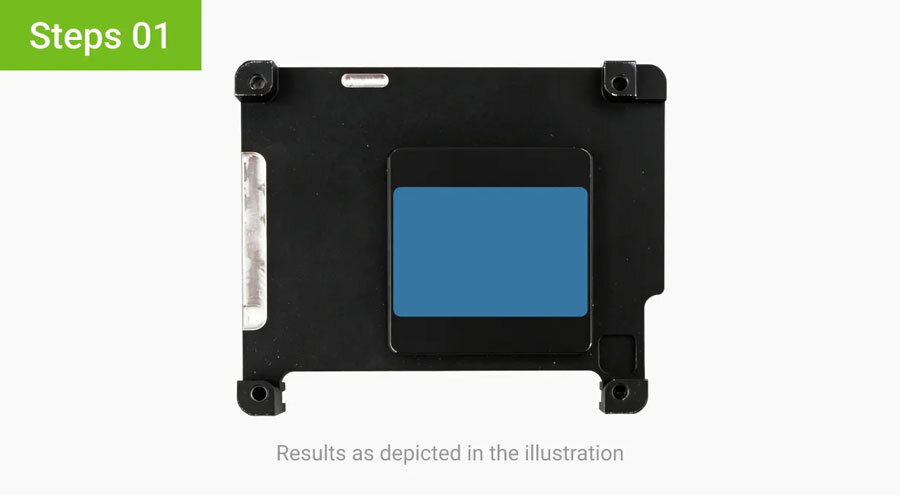
Attach the thermal pad to the raised contact area on the inner side of the metal top cover.
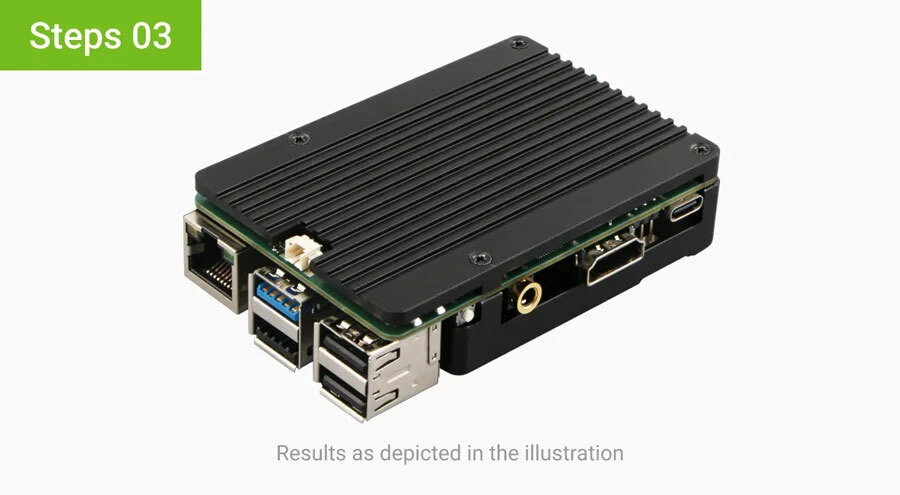
Align the metal top cover with the board and place it into position.
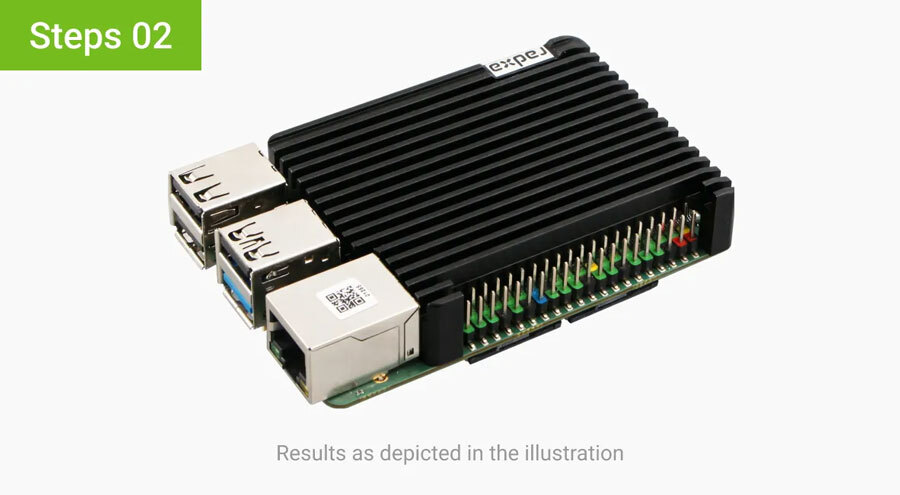
Align the metal top cover with the board and place it into position.